
Creating Paths
Paths are used to tell trains where to go. If an autodriving train is configured with a path it tries to follow this path until there is no more path of this name found in the next signal.
Preparation:
Make sure that all of your switches are put in the right position for the path you are configuring. This cannot be changed after the track is selected with your Signaller's Tool.
Creating a Path:
(Only select switches and crossings, as selecting Straights and Curves does not have any effect)
It should now say:
zoranodensha - Added track to path
SHIFT+RIGHTCLICK the origin signal to add the finished path to this signal
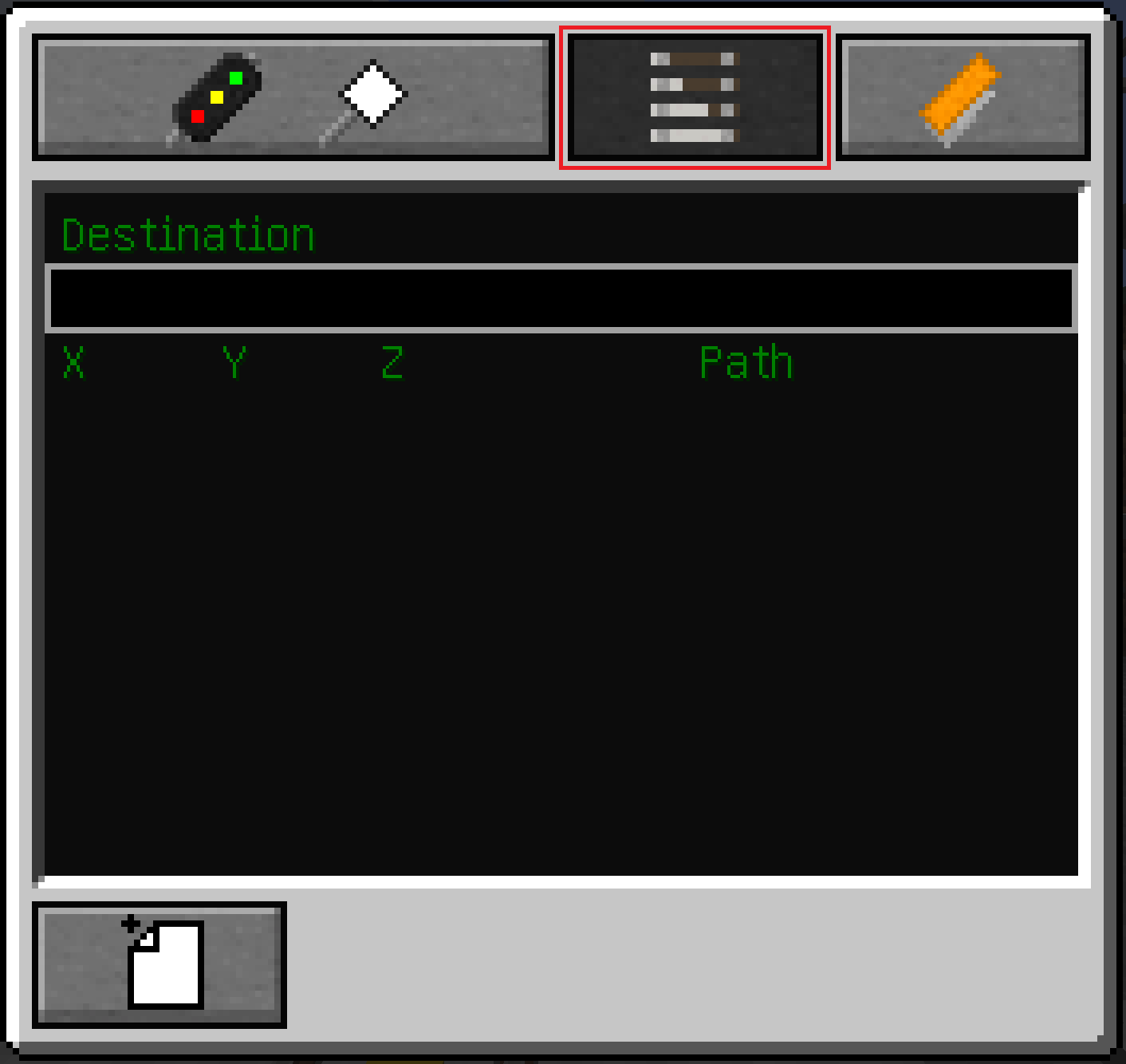
Selecting a Path:
Simply type /setdest {insert path name}in the chat. The MTIS-Display should then display upcoming speed limits and your train (if autodrive is turned on) should begin driving.