Linking Signals to Magnets
Signals do not have any effect on your train if they are not linked to a track magnet.
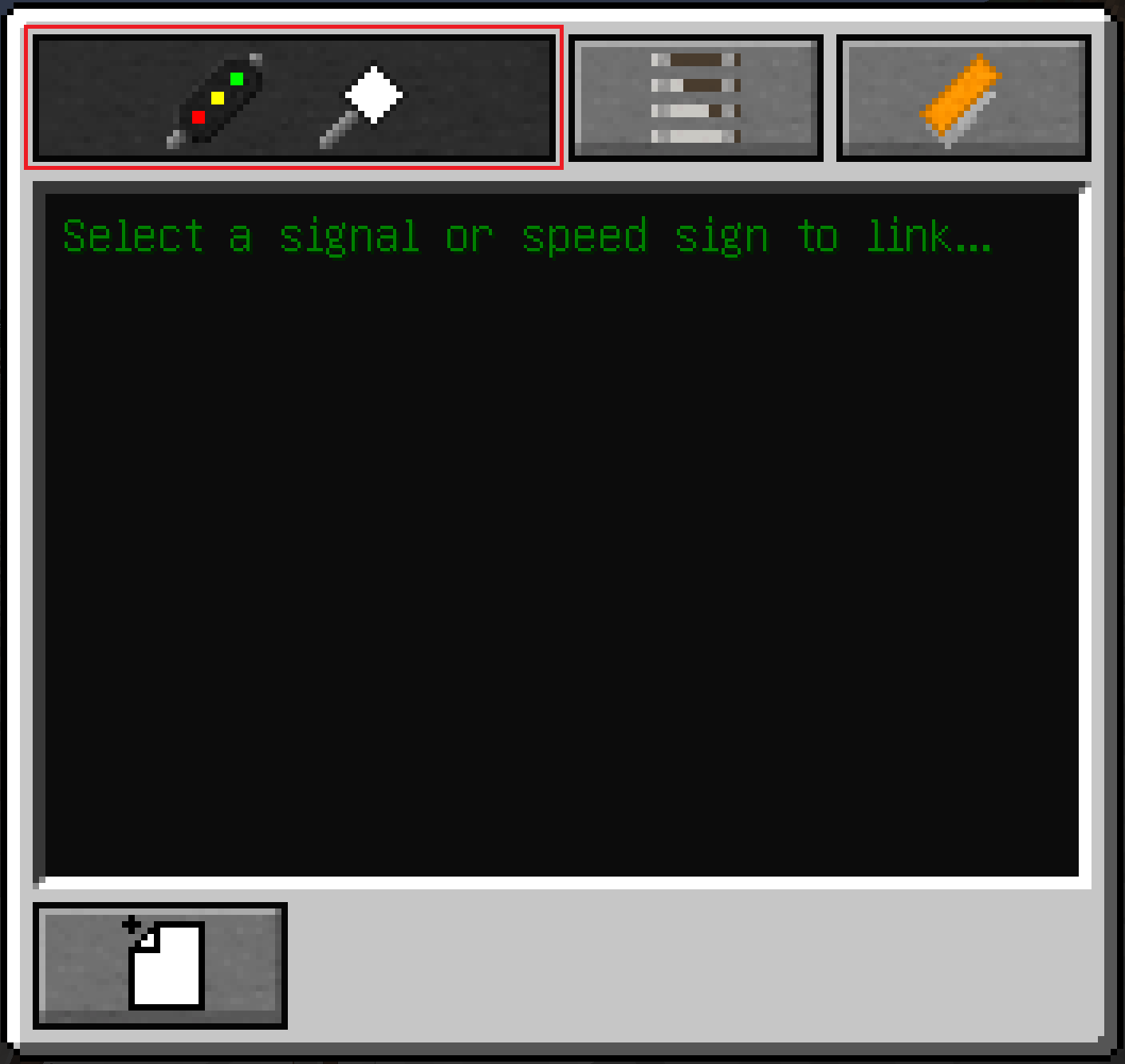
To link a signal to a track magnet you once again need your Signaller's Tool.
|
 |
Signals do not have any effect on your train if they are not linked to a track magnet.
To link a signal to a track magnet you once again need your Signaller's Tool.
|
|